
Free resources
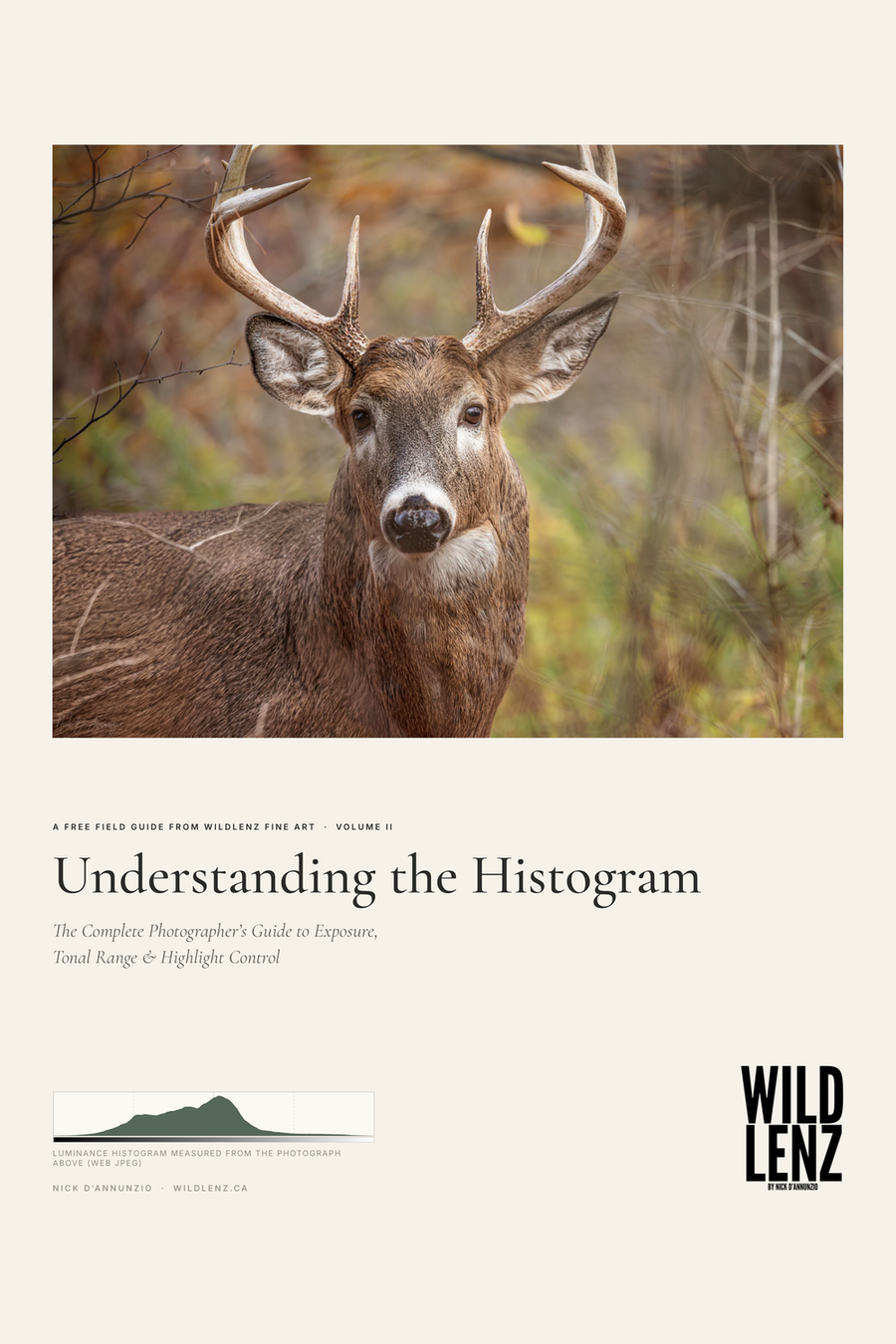
Understanding the Histogram: Photography Exposure Guide
WildLenz Photography Field Guides · Volume II · Nick D’Annunzio
Read the light beyond your camera screen.
A practical 33-page field guide to tonal distribution, exposure and RGB clipping, illustrated with original WildLenz photography.
Learn to protect important highlight and shadow detail, understand different scenes and bring a more deliberate approach to exposure in the field and in Lightroom.
Free PDF download. No purchase or checkout required.
Inside the guide
- Reading luminance and RGB histograms
- Recognising clipping in highlights and shadows
- Exposure decisions for wildlife and landscapes
- Practical Lightroom workflows and photography exercises
- A printable two-page quick reference for the field
A practical photography field note from Nick D’Annunzio, WildLenz Fine Art.
A histogram shows how the tones in a photograph are distributed, from deep black on the left to bright white on the right. Learning to read it can save detail that a camera screen may hide, particularly in bright daylight or dark woodland.

How to read your histogram
The horizontal axis runs from shadows on the left to highlights on the right. The height shows how many pixels share a particular tonal value. A peak is not inherently good or bad. It simply means lots of pixels have similar brightness.
There is no perfect histogram
Two russet-crowned motmots photographed against a pale sky naturally produce a histogram clustered toward the brighter end. A woodland buck amid autumn foliage has a fuller midtone distribution. A crocodile resting in deep shade produces a distinctly left-weighted histogram. Trying to force all three into a centrally balanced shape would work against the scenes themselves.
Check the edges, not the silhouette
Pixels stacked against the far right may indicate highlight clipping; those pressed against the far left may indicate blocked shadows. Check where the clipped information occurs. A tiny glint on water might not matter. Texture in white feathers or fur probably does.
Why sunset photographers need the RGB view
The overall brightness histogram can look safe even when a saturated red, green or blue colour channel reaches its limit. For sunsets and bright plumage, check the individual RGB channels before deciding that no detail has been lost.
How to respond in the field
- Make a test frame with a shutter speed appropriate to the subject.
- Review the histogram and highlight warning.
- Compare the distribution with the scene's actual brightness.
- Look at the RGB histogram for saturated colours.
- Adjust exposure in small steps, then check important details at full magnification.
Remember that a histogram describes tones, not focus, composition or artistic value. For moving wildlife, preserving a safe shutter speed matters more than shaping the graph.


